How to Buy Cisco Switches for Business Networks
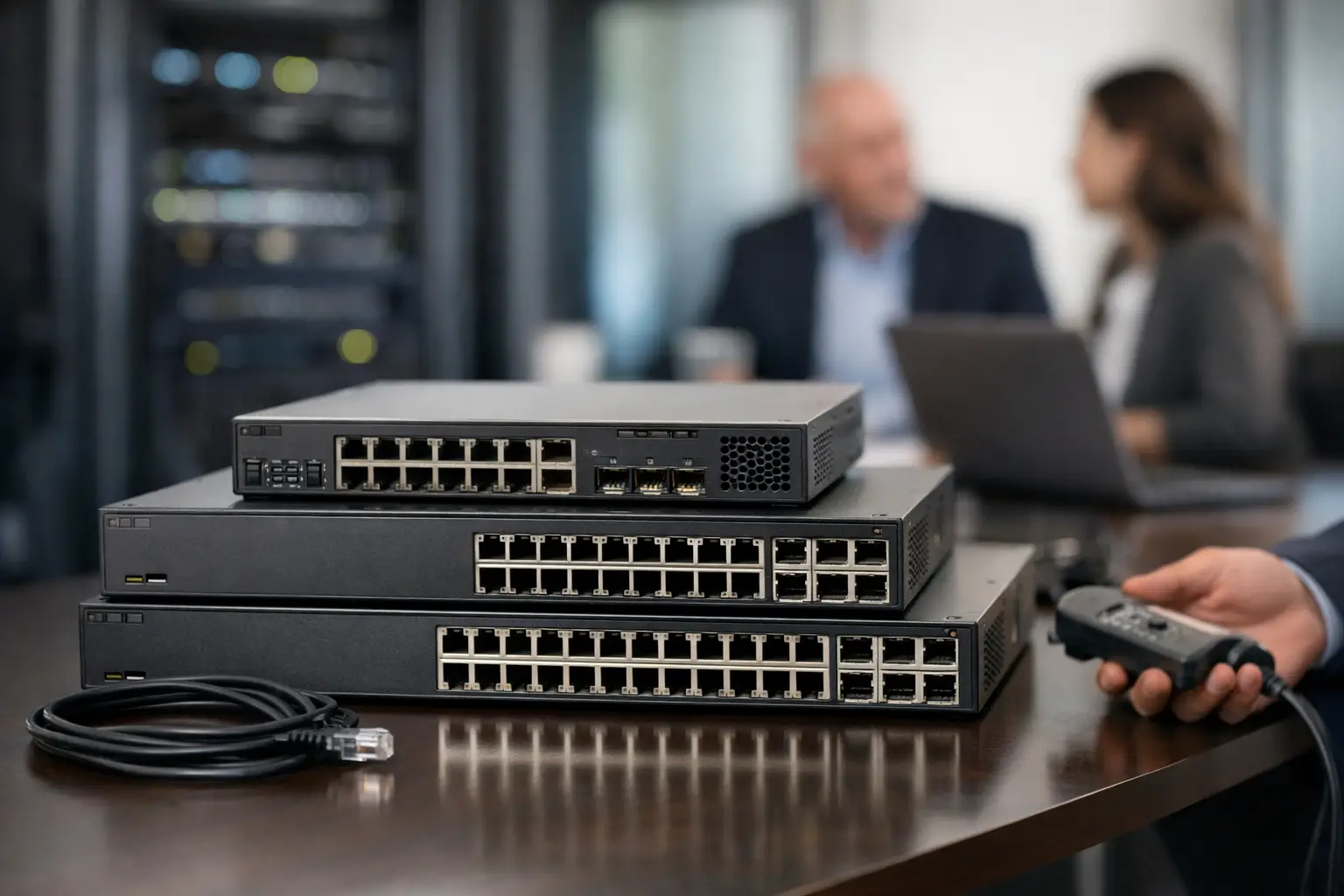
A switch purchase can look simple until the network needs to support IP phones, wireless access points, cameras, workstations, uplinks, and segmented guest traffic at the same time. Cisco switches remain a standard choice for organizations that need predictable performance, familiar management tools, and a product range that can scale from a small office to a large campus or data center.
For procurement teams, the right decision is rarely just about finding the lowest unit price. Port speed, Power over Ethernet capacity, software licensing, uplink options, support requirements, and product lifecycle all affect the real cost of deployment. Selecting the correct model before an order is placed helps avoid expensive changes after installation.
Start With the Network Role
Cisco offers switching platforms for very different network jobs. A compact access switch for a branch office is not a substitute for a high-capacity aggregation switch, even if both provide Ethernet ports. Define where the equipment will sit in the network before comparing models.
Access switches connect endpoint devices. These are commonly used for employee PCs, VoIP phones, printers, access points, surveillance cameras, and building-control equipment. Access-layer purchasing usually centers on port count, PoE budget, 1GbE or multigigabit speed, and the ability to apply security policies at the edge.
Distribution and aggregation switches connect multiple access switches and carry larger volumes of traffic toward servers, firewalls, WAN routers, or core infrastructure. Here, uplink capacity, redundancy, Layer 3 routing, stacking or virtual chassis capabilities, and high availability become more significant than the number of standard access ports.
Data center switching has another set of requirements. Low-latency traffic, 10/25/40/100GbE interfaces, automation, fabric design, and compatibility with virtualization environments can drive the specification. A business should not buy a data center-class platform for a basic office network without a defined technical reason. The added features, power use, licensing, and operating complexity may not provide value.
Choose the Right Cisco Switch Series
Cisco switching portfolios are broad, and naming alone does not always explain the intended use. Reviewing the series first narrows the procurement process and reduces the risk of comparing unlike products.
Cisco Business switches are generally suited to small and midsize organizations that need practical managed switching without the full operational model of an enterprise campus. They can be appropriate for offices, retail locations, hospitality sites, and smaller deployments where VLANs, PoE, and straightforward administration are needed.
Cisco Catalyst switches are widely deployed in enterprise access, distribution, and campus networks. Depending on the model, they offer advanced routing, policy control, network segmentation, wireless integration, automation, and high availability features. Catalyst is often the relevant family when an organization has standardized on Cisco infrastructure or needs to meet detailed network design and security requirements.
Cisco Nexus switches are typically selected for data center and high-performance environments. They are designed around dense high-speed connectivity, modern data center architectures, and operational automation. They are not usually the first choice for office floor connectivity, but they can be essential where server, storage, and application traffic requires higher throughput and specialized capabilities.
Cisco Industrial Ethernet models serve facilities where temperature, vibration, mounting format, or industrial protocols matter. Manufacturing sites, utility environments, transportation operations, and outdoor cabinets may require this type of hardware rather than standard rack-mounted office equipment.
The series is only the starting point. The exact model, hardware revision, network operating system, and license tier should be verified against the technical specification before purchase.
Port Count Is Only One Part of Capacity
A 24-port switch is not automatically sufficient for a 24-device office. Networks change. A new access point, camera, meeting-room system, or expansion desk can consume the last available interface sooner than expected. Allowing reasonable spare capacity often costs less than installing another switch and additional cabling later.
Port speed matters as much as quantity. Standard 1GbE remains suitable for many endpoints, but newer Wi-Fi access points and high-performance workstations may need 2.5GbE, 5GbE, or 10GbE connections. Buying only 1GbE access ports for an environment planning a wireless refresh can create a bottleneck at the edge.
Uplinks deserve equal attention. Multiple 1GbE uplinks may be enough for a small branch, while a busy office floor may require 10GbE or 25GbE uplinks to prevent congestion between the access layer and the core. Confirm whether the model includes fixed uplinks or requires compatible transceiver modules. Also confirm the media type: copper, multimode fiber, single-mode fiber, or direct-attach cable.
Calculate PoE Budget Before Ordering
Power over Ethernet is often the point where a seemingly suitable switch fails the deployment requirement. A switch may have 48 PoE-capable ports but not enough total power to operate 48 high-draw devices simultaneously.
Start with the power needs of the connected devices. Basic VoIP phones typically use far less power than Wi-Fi 6E access points, PTZ cameras, video intercoms, or digital signage. Add the expected wattage for each device, include a practical growth margin, and compare the result with the switch’s total PoE budget.
Check the PoE standard as well. PoE, PoE+, and higher-power options support different device loads. A low-power switch may operate phones and basic cameras reliably but be unsuitable for advanced access points or other equipment that needs greater power delivery. If redundancy is required, power supply design and available backup options should be included in the evaluation.
Management, Security, and Software Licensing
An unmanaged switch may be acceptable for a very limited isolated use case, but most business networks need managed switching. VLAN configuration, QoS, port security, monitoring, link aggregation, and network segmentation are operational necessities in environments that carry employee, guest, voice, camera, and server traffic.
Cisco managed platforms can support detailed policy and visibility, but the right feature set depends on the network design. An organization with centralized IT operations may prioritize command-line management, monitoring integration, configuration templates, and automation. A smaller team may place greater value on an intuitive management interface and simpler deployment.
Licensing must be treated as part of the bill of materials, not an afterthought. Some Cisco platforms use subscription-based licensing for advanced capabilities, management functions, analytics, or support entitlements. Review what is included with the hardware, what license tier is needed, the subscription term, and whether the proposed configuration remains functional at the required level after a subscription period ends.
Security requirements should also influence the model selection. Features such as 802.1X authentication, MACsec, access control lists, DHCP snooping, dynamic segmentation, and secure management access can be relevant for regulated organizations and multi-user enterprise environments. Not every deployment needs every feature, but buying a switch without a required security capability creates unnecessary operational exposure.
Plan for Resilience and Growth
A network outage can cost more than the price difference between a basic switch and a platform designed for redundancy. For critical locations, consider dual power supplies, redundant uplinks, link aggregation, switch stacking, and rapid failover support. The appropriate design depends on the business impact of downtime.
Stacking can simplify management and provide resilience across multiple switches, but it requires compatible models, cables, modules, and topology planning. It should not be assumed that every switch in the same family can stack with every other model. Confirm the exact compatibility details during procurement.
Lifecycle planning is equally practical. Check product availability, manufacturer support status, software maintenance needs, and the availability of compatible optics, power supplies, fans, rack accessories, and spare units. For distributed businesses, keeping a compatible spare switch or power supply can significantly reduce recovery time.
Build a Clear Purchase Specification
Before requesting pricing, create a short specification that includes the installation role, required port count and speed, PoE standard and budget, uplink type, Layer 2 and Layer 3 requirements, management expectations, licensing, redundancy, and accessory needs. Include quantities for transceivers, stacking components, power cords, rack mounts, and fiber or copper patching where applicable.
This approach makes quotes easier to compare and prevents a low initial hardware price from hiding missing components. It also gives suppliers the information needed to recommend an equivalent or upgraded option if a specific model is unavailable.
GreenCode Tech can support business buyers sourcing Cisco hardware alongside related firewalls, wireless equipment, optics, cables, and network accessories through one procurement channel. For projects with multiple locations or cross-border delivery requirements, consolidating compatible equipment under one order can simplify documentation, logistics, and deployment planning.
The best Cisco switch is the one that fits the devices, traffic, power requirements, security policies, and growth plan already defined for the site. A precise specification turns a switch order from a hardware purchase into an infrastructure decision that supports operations long after installation.