საუკეთესო Cisco access switch მოდელები for Business Networks
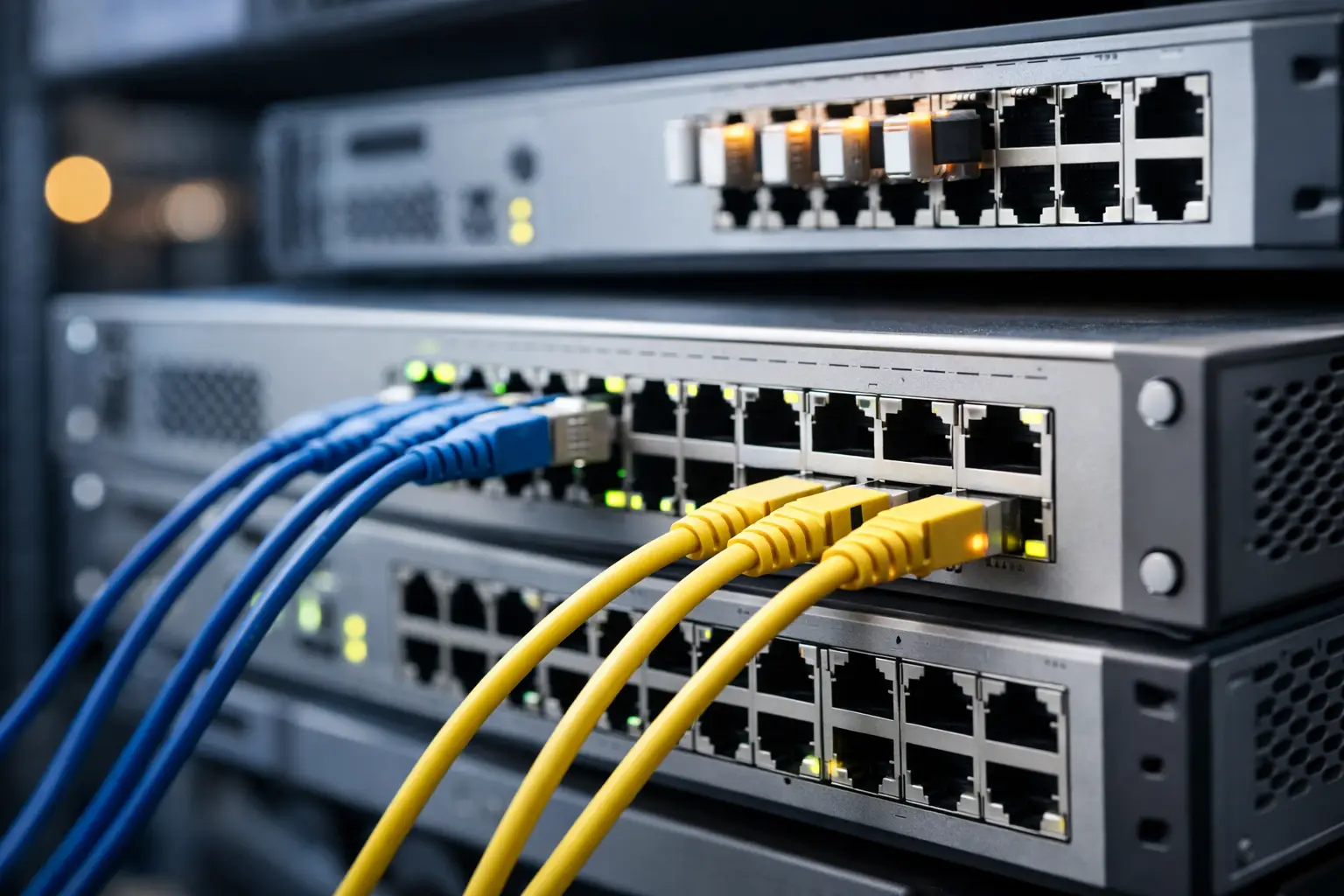
A 24-port switch can look like a simple line item until it has to power access points, segment users, support uplinks, and remain manageable through the next office expansion. The საუკეთესო Cisco access switch მოდელები are not defined by port count alone. The right choice depends on endpoint power, management requirements, uplink speed, security policy, and the expected life of the deployment.
For business buyers, Cisco’s access-switch portfolio spans cost-conscious branch networks through high-availability campus environments. This guide compares the Cisco families that most often fit new deployments, refresh projects, and replacement procurement.
What an access switch must do
An access switch connects the devices at the network edge: employee workstations, IP phones, wireless access points, cameras, printers, building controls, and other Ethernet endpoints. It is where capacity and policy meet day-to-day operations.
A small office may need dependable Gigabit ports and PoE+ for phones and access points. A larger site may require redundant uplinks, network segmentation, advanced visibility, high PoE budgets, and centralized lifecycle management. Buying a more capable switch than necessary can increase both hardware and licensing costs. Buying too little can create a costly replacement cycle when Wi-Fi 6 or Wi-Fi 7 access points, higher-power cameras, or additional users arrive.
The first procurement decision is therefore not “Which Cisco switch is best?” It is “What operating requirement must this switch satisfy for the next three to five years?”
საუკეთესო Cisco access switch მოდელები by deployment type
Cisco Catalyst 1200 Series for practical small-business networks
Cisco Catalyst 1200 switches are a strong fit for smaller offices, retail locations, clinics, hospitality sites, and standalone branch environments that need managed switching without a large enterprise feature set. They are available in compact and rack-mount configurations, with PoE and non-PoE variants across common port densities.
This family makes sense when the priority is VLAN configuration, basic traffic controls, reliable wired access, and web-based management. A PoE model can support desk phones, cameras, and access points from the same switch, reducing the need for local power adapters.
The trade-off is clear: Catalyst 1200 is not the first choice for a large campus where deep automation, high availability, and complex policy enforcement are required. For straightforward business connectivity, however, it can be a cost-effective Cisco option with familiar brand support.
Cisco Catalyst 1300 Series for growing offices and branches
Catalyst 1300 is positioned above the 1200 family for organizations that need more management depth, stronger performance options, and room to scale. It is a practical choice for multi-floor offices, distributed branch networks, education facilities, and commercial sites where several VLANs, PoE devices, and higher-speed uplinks are expected.
Models such as the C1300-24P-4G are relevant when 24 PoE ports and fiber uplinks are required. Before ordering, verify the available PoE power budget rather than checking only whether the model has a “P” suffix. A switch may have enough powered ports on paper but insufficient wattage if it must run multiple high-power access points, PTZ cameras, or LED-enabled phones at the same time.
Catalyst 1300 is a balanced procurement choice when a business wants a managed Cisco access layer without moving immediately to an enterprise Catalyst 9000 design. It is especially useful when speed of deployment and predictable cost matter more than advanced campus architecture.
Cisco Catalyst 9200 and 9200L for enterprise access layers
For many enterprise office and campus projects, the Cisco Catalyst 9200 Series is the central recommendation. The 9200L line provides a practical fixed-configuration platform for standard enterprise access switching, while Catalyst 9200 models offer additional flexibility for environments with more demanding operational requirements.
These switches are designed for organizations that need consistent software capabilities, strong security controls, quality-of-service policy, high PoE availability, and integration with a broader Cisco network architecture. Typical deployments include corporate offices, government facilities, schools, warehouses, and multi-site organizations with standardized IT operations.
A model such as the C9200L-24P-4G can be appropriate for a 24-port Gigabit PoE access layer with four 1G fiber uplinks. It suits sites with conventional user density and moderate uplink requirements. Where access points and workstations demand more throughput, buyers should evaluate multigigabit port options and 10G uplinks instead of assuming every 9200 configuration provides the same interface capability.
The main consideration is budget and licensing. Catalyst 9200 delivers enterprise value when its operational features will be used. For a single low-complexity office, a Catalyst 1200 or 1300 may be the more efficient purchase. For a standardized organization with multiple locations, the 9200 family can reduce operational variation and simplify lifecycle planning.
Cisco Catalyst 9300 Series for high-density and critical sites
Cisco Catalyst 9300 switches are built for more demanding access-layer environments. They are commonly selected for headquarters, large campuses, hospitals, industrial sites, high-density office floors, and locations where uptime, modularity, and high-performance uplinks are procurement priorities.
The C9300 family supports a wider set of port, power, and uplink choices than entry-level access platforms. It is appropriate where the design calls for substantial PoE capacity, multigigabit connectivity for modern wireless access points, redundant power options, stacking, and high-speed aggregation links.
This is not automatically the best choice simply because it is more capable. A 9300 deployment has a higher initial cost and must be specified carefully. Select the port speed, power supply, network module, and software entitlement around the actual design. A 48-port high-PoE model may be justified for a dense floor of wireless and collaboration devices, while it would be unnecessary for a 15-user branch office.
Cisco Catalyst 9200CX for compact locations
Compact access switches solve a different problem: limited space. Cisco Catalyst 9200CX models are useful for conference rooms, retail counters, small network closets, classrooms, work areas, and locations where a full rack switch is impractical.
They can extend enterprise-class access policy closer to endpoints while maintaining a consistent Cisco environment. Their smaller port count means they should be purchased for a defined endpoint group, not as a substitute for a distribution closet switch. Check power input, available PoE output, mounting requirements, and uplink interfaces before deployment.
Port count, PoE budget, and uplinks determine the real fit
A 24-port switch is often the best starting point for a small or midsize office, but capacity planning should include at least 20 to 30 percent headroom. A 24-port model filled on installation day leaves no margin for a new printer, security camera, spare desk, or additional access point. A 48-port switch may be more economical than adding a second 24-port unit later, depending on rack space, power, and uplink design.
PoE deserves the same attention. PoE+ is sufficient for many phones and standard access points. Higher-power endpoint requirements can change the equation quickly. Calculate the maximum expected draw of all powered devices, then compare it with the switch’s stated available PoE budget. Do not use nominal port count as a substitute for a power calculation.
Uplinks are equally important. Four 1G SFP uplinks may be enough for a small branch. A high-density office using multiple modern wireless access points may need 10G uplinks, particularly when traffic is aggregated toward a core switch or firewall. Fiber type, transceiver compatibility, and existing cabling should be confirmed during the quote stage.
Questions to settle before ordering
A complete purchase request should identify the required number of copper ports, port speeds, PoE class and total wattage, uplink interfaces, switch management preference, software or subscription needs, power redundancy requirements, and preferred support coverage. It should also state whether the switch will be installed as a standalone device or as part of a stack.
For replacement projects, record the current switch model, configuration backup availability, VLAN list, uplink type, and connected PoE endpoints. This prevents a common mistake: replacing a legacy 48-port PoE switch with a lower-power model that cannot support the devices already in service.
For multi-site procurement, standardizing on one or two validated configurations can simplify spare inventory, configuration templates, and support procedures. A business may use Catalyst 1300 at low-complexity branches and Catalyst 9200 or 9300 at core office locations, provided the operational team is prepared to manage the different platforms.
Selecting Cisco switches for efficient procurement
Cisco access switch purchasing is most effective when the hardware is treated as part of a complete deployment bill of materials. Include compatible power supplies where applicable, stacking accessories, uplink modules, SFP or SFP+ transceivers, patch cables, rack accessories, and the required software entitlements. A switch delivered without the correct uplink components can delay an otherwise ready installation.
GreenCode Tech can support buyers sourcing Cisco networking equipment alongside related infrastructure hardware, helping consolidate switching, security, cabling, and connectivity requirements in one procurement process. For project orders, provide the network diagram or a concise endpoint schedule so the proposed configuration can be checked against real deployment needs.
The best Cisco access switch is the one that supplies the required ports, power, uplinks, and management capability without forcing a redesign six months after installation. Start with the endpoints and traffic profile, then choose the Cisco family that keeps the network practical to operate and ready to grow.