Dahua ჩამწერები for Business Surveillance
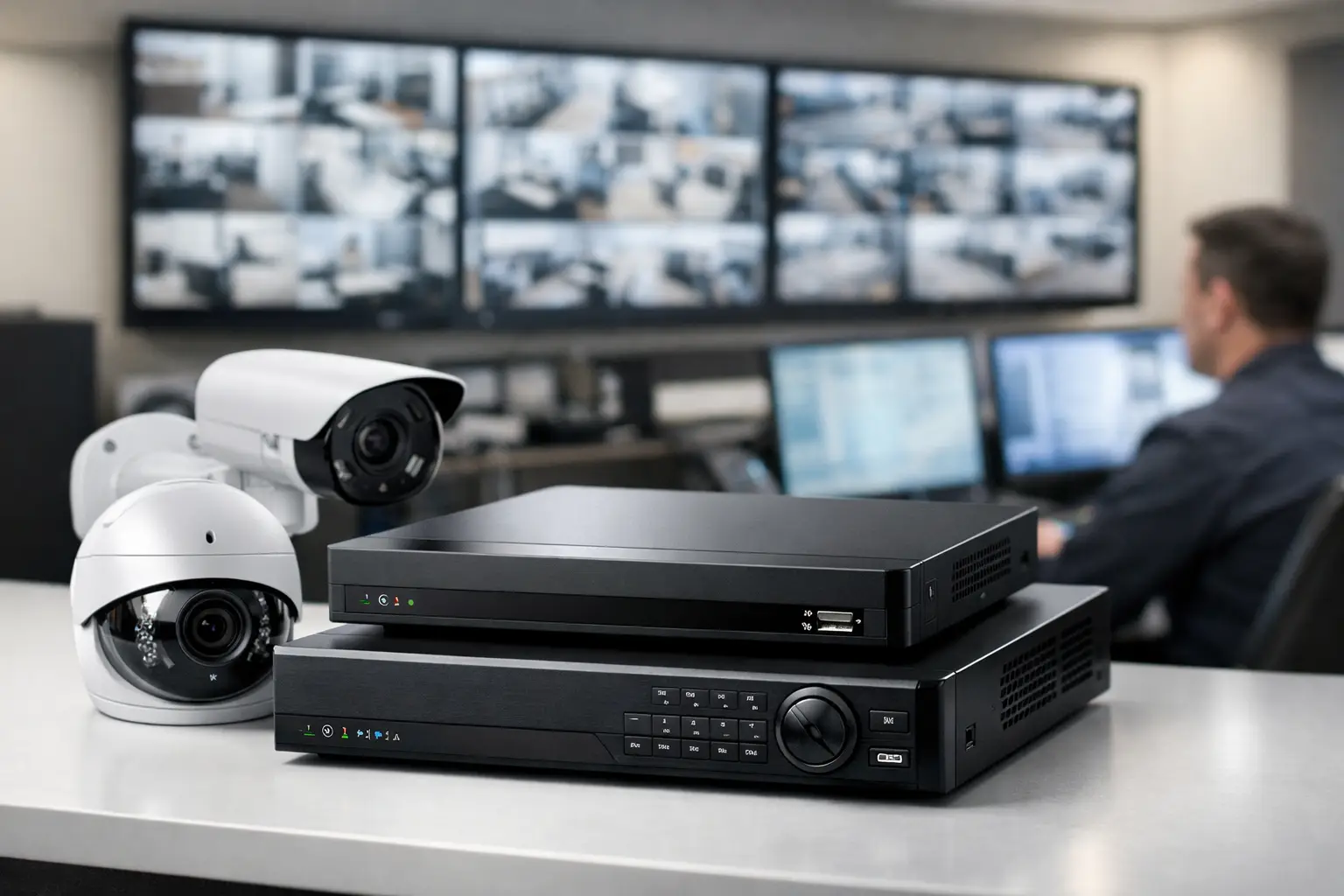
A warehouse manager reviewing an incident cannot afford missing footage, a full hard drive, or a recorder that cannot support the next camera expansion. For buyers searching Dahua ჩამწერები, the right choice starts with the recording platform, camera count, retention target, and network design – not simply the lowest unit price.
Dahua recorders are available in NVR and XVR formats for IP, analog, and hybrid surveillance environments. Both can provide dependable central recording and remote monitoring, but they solve different infrastructure problems. A practical selection process protects the surveillance investment, reduces installation rework, and gives security teams access to footage when it matters.
Choose Dahua ჩამწერები by camera environment
The first procurement question is straightforward: are the cameras IP-based, analog-based, or a mix of both? An NVR, or Network Video Recorder, is designed primarily for IP cameras. It receives video over the network, making it the usual choice for new installations with PoE switches, structured cabling, and network-managed cameras.
An XVR is generally the more appropriate option when an organization has existing coaxial cabling and analog cameras. Many Dahua XVR models support multiple analog video standards and may also accept a limited number of IP camera channels. That flexibility is valuable for phased upgrades, where a business wants to retain usable cable runs while adding higher-resolution IP cameras in key areas.
The trade-off is simple. An NVR provides a cleaner path for an IP-first surveillance system and can scale well with the network. An XVR can control upgrade costs in an existing analog site, but its available channel mix, resolution support, and IP expansion capacity must be checked model by model. Do not assume every XVR supports the same number of IP cameras or the same recording resolution.
Match channel capacity to the real deployment
Channel count is the number of cameras a recorder can manage. Common options include 4, 8, 16, 32, 64, and higher-channel models. Buying exactly the number of channels needed today may look efficient, but it can become expensive when entrances, loading areas, parking zones, or additional offices need coverage later.
For a small office with six cameras, an 8-channel recorder may be sufficient if expansion is unlikely. For a retail location with 14 planned cameras, a 16-channel model leaves very little room for change. A 32-channel recorder can be the stronger business decision when the site may add perimeter cameras, point-of-sale coverage, or higher-security areas within the next year.
Capacity is not only about the headline channel number. Confirm the maximum incoming bandwidth for an NVR and the maximum recording bandwidth supported by the unit. A recorder may advertise 32 channels but still have limitations when all cameras stream at high resolution, high frame rates, or advanced compression settings. This is particularly relevant for 4K cameras, multi-sensor cameras, and scenes with constant movement.
For XVR deployments, verify the supported resolution on each analog channel and any limits that apply when IP channels are added. Procurement teams should request a camera schedule before finalizing the recorder: camera model, quantity, resolution, frame rate, location, and connection type. That schedule turns a category purchase into a correctly sized system.
Plan storage from retention requirements
Storage determines how long video remains available. A recorder with insufficient hard disk capacity may operate normally at first, then overwrite footage before the organization’s retention requirement is met. The required storage depends on camera count, resolution, compression, frame rate, recording schedule, activity level, and whether audio is recorded.
Continuous recording offers the most complete record but consumes more capacity. Motion-based recording can significantly extend retention in quiet locations, although it depends on proper motion detection settings. In high-traffic environments such as warehouses, store floors, and public entry points, motion recording may offer less storage savings than expected.
Start with the number of retention days required by internal policy, insurance requirements, or operational needs. Then size storage based on the intended camera configuration, not a generic estimate. A system recording 16 high-resolution cameras around the clock will need considerably more capacity than an 8-camera office system recording motion events overnight.
Check how many SATA drive bays the recorder supports and the maximum capacity per drive. For business deployments, use surveillance-grade hard drives intended for continuous video workloads. Standard desktop drives may have lower upfront cost, but they are not the right choice for sustained recording demands. Where footage is operationally critical, consider redundancy options, health monitoring, and a documented process for checking drive status.
Consider PoE, switching, and network design
Some Dahua NVRs include built-in PoE ports. These units can simplify smaller installations because cameras connect directly to the recorder for power and data. They are often a practical choice for a single-site system where the recorder is located close to camera cable terminations.
For larger sites, separate PoE switches usually provide more flexibility. Cameras can be distributed across network closets, uplinks can be sized for the expected traffic, and power budgets can be planned by switch. This design also supports easier expansion, especially when camera locations extend beyond the recorder room.
Built-in PoE is convenient, but it is not automatically the best option. Confirm the total PoE power budget, port speed, cable distance, and whether cameras need to be accessible on the primary business network. Network segmentation is often advisable so surveillance traffic does not compete unnecessarily with critical business applications.
Remote viewing also requires deliberate planning. Confirm the available internet bandwidth, user access controls, mobile and desktop viewing requirements, and cybersecurity policy. Default passwords should never remain in use, firmware should be managed, and administrator access should be limited to authorized staff.
Verify recording features before ordering
Dahua recorders offer feature sets that vary by series and model. Video analytics compatibility, AI-based search functions, face detection support, perimeter protection, alarm inputs, audio channels, HDMI output capability, and third-party camera interoperability should all be reviewed against the project scope.
Do not purchase advanced analytics solely because they appear on a product specification. Their practical value depends on compatible cameras, correct placement, lighting conditions, and the team’s ability to respond to alerts. Perimeter protection may be highly useful for a fenced industrial property, while a small office may gain more from reliable motion alerts and clear playback.
If third-party cameras are part of the project, confirm ONVIF compatibility and test requirements before committing to volume. Interoperability can work well, but functions such as event triggers, audio, PTZ control, and analytics may not transfer identically across brands.
Make the recorder part of a complete purchase
A recorder should be sourced alongside the components that determine whether the system performs as designed: cameras, surveillance hard drives, PoE switches or injectors, cabling, connectors, displays, UPS protection, and network accessories. Consolidating these items helps prevent common installation delays caused by missing storage drives, inadequate power capacity, or incompatible connectors.
For multi-site, reseller, and institutional purchases, request model-level confirmation before placing the order. The key details are recorder model, channel count, HDD bay count, included PoE ports, maximum bandwidth, supported camera resolution, and expected delivery quantity. This is especially useful when a project has phased installation dates or requires consistent hardware across several locations.
GreenCode Tech supports buyers sourcing Dahua equipment alongside networking and infrastructure hardware, which can simplify procurement for surveillance projects that also require switches, cabling, and power protection.
The best Dahua recorder is the one that preserves the footage you need for the time you need it, while leaving enough capacity for the next operational change. Build the camera schedule and retention requirement first, then select the recorder around those facts.