Managed Versus Unmanaged Switches: Key Differences
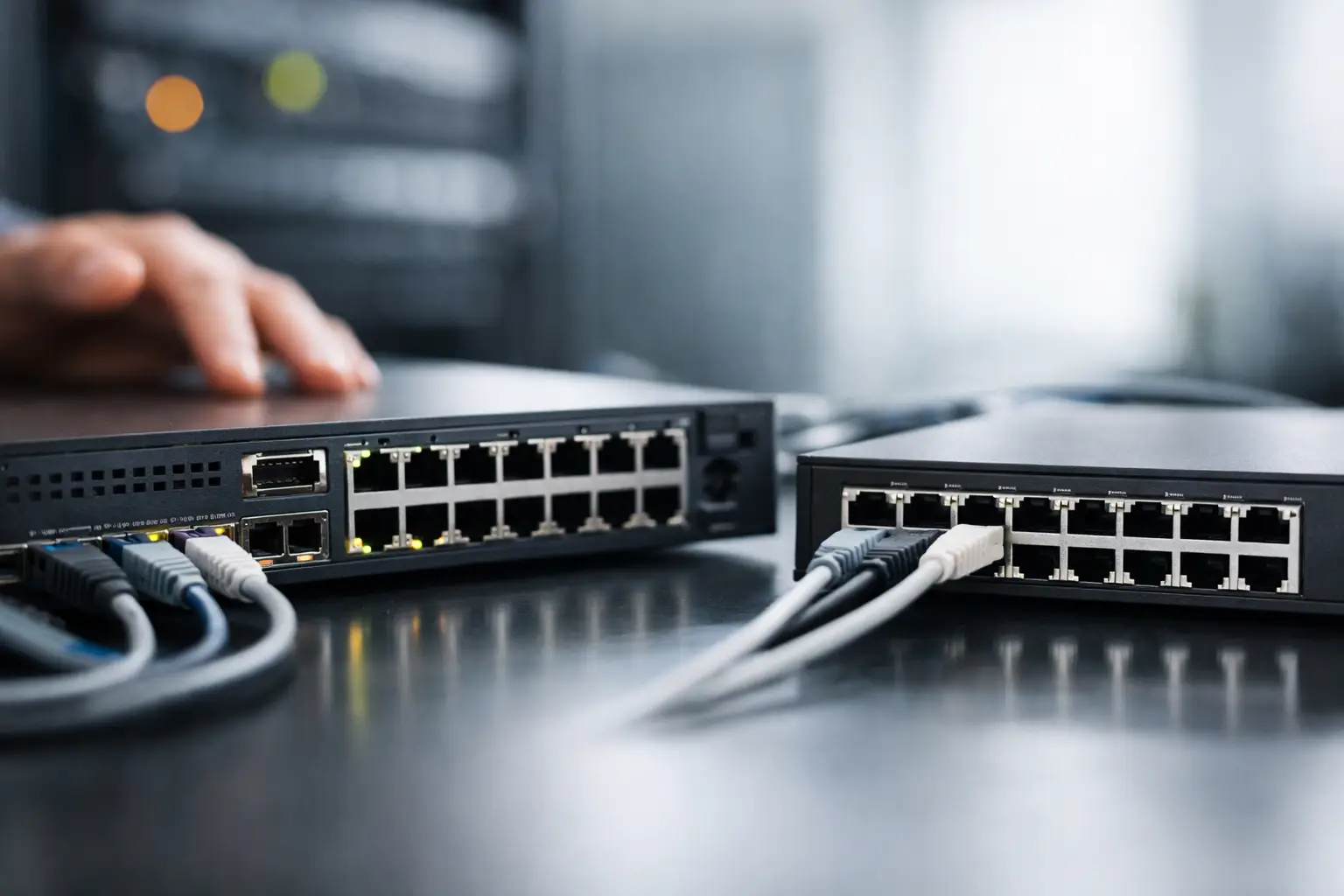
A switch may look like a straightforward line item in a network bill of materials, but the choice between managed versus unmanaged switches affects how easily your team can secure, troubleshoot, expand, and support the network later. A low-cost switch can be the right purchase for a small isolated deployment. In a growing office, warehouse, retail site, or multi-site organization, it can also become the device that limits visibility when a problem occurs.
The practical question is not which type is universally better. It is whether the network needs control at the switch level, or simply reliable Ethernet connectivity with minimal setup.
What an unmanaged switch does
An unmanaged switch is a plug-and-play device. Connect its uplink to a router, firewall, or existing network, attach endpoints, and it begins forwarding traffic automatically. There is no local console, web interface, command-line configuration, or controller-based policy management.
For basic wired connectivity, that simplicity is useful. An unmanaged model is commonly used to add ports for a small office, connect a few workstations, expand a point-of-sale counter, or support isolated devices such as printers, displays, or cameras where network segmentation is not required.
Because there is little to configure, deployment is fast and the initial purchase price is usually lower. It also reduces the chance of a configuration error by a nontechnical user. However, the same lack of configuration means IT teams cannot inspect port statistics, identify which device is consuming bandwidth, create VLANs, mirror traffic for analysis, or disable a suspicious port remotely.
Unmanaged switches are available in Fast Ethernet, Gigabit Ethernet, multi-gigabit, and Power over Ethernet options. PoE should not be confused with management capability. A switch can provide power to access points, IP phones, or cameras while remaining unmanaged.
What a managed switch adds
A managed switch provides an interface for configuration and monitoring. Depending on the model and vendor, management may be available through a web portal, command line, mobile application, cloud platform, or centralized network controller.
This control allows an administrator to define how ports behave rather than treating every connected device as part of the same flat network. Enterprise-grade lines from Cisco, HPE, Juniper, Huawei, and other established manufacturers offer different feature sets, licensing models, and management approaches, but the core value is consistent: the switch becomes an active part of the network design.
Managed switches are appropriate when uptime, security, traffic separation, and supportability matter. They are common in offices with separate employee and guest networks, schools, hotels, healthcare facilities, retail chains, industrial sites, and organizations operating more than one location.
VLANs separate traffic without adding physical networks
Virtual LANs, or VLANs, are one of the main reasons businesses choose managed switching. A VLAN can separate finance workstations from guest Wi-Fi, surveillance cameras from office PCs, or voice endpoints from general data traffic, even when devices connect through the same physical switch.
Segmentation does not replace a properly configured firewall, but it creates the structure needed for policies between network groups. Without VLAN support, every device attached to an unmanaged switch generally remains on the same local network segment.
Monitoring makes support faster
When users report slow access, dropped calls, or an offline camera, a managed switch can provide useful evidence. Port status, error counters, bandwidth use, link speed, PoE consumption, and connected-device information help teams narrow down whether the problem is a cable, endpoint, uplink, power budget, or wider network issue.
SNMP monitoring, syslog, alerts, and cloud dashboards can further reduce the time spent diagnosing remote locations. For an organization with limited onsite IT coverage, that visibility can justify the difference in hardware cost.
Traffic and resilience controls protect critical services
Managed models may support Quality of Service, link aggregation, spanning tree protocols, multicast controls, access control lists, and port mirroring. Not every deployment needs every feature, but each addresses a practical operational concern.
Quality of Service can prioritize voice or video traffic during congestion. Link aggregation can combine multiple physical uplinks for additional throughput or redundancy. Rapid spanning tree helps prevent loops from disrupting the network. Port mirroring sends a copy of traffic to a security appliance or diagnostic tool for inspection.
These functions are especially valuable where IP telephony, surveillance, Wi-Fi access points, servers, and business applications share the same switching infrastructure.
Managed versus unmanaged switches: the business trade-off
The purchase price is the most visible difference, but it should not be the only measure. An unmanaged switch costs less upfront and requires almost no deployment time. For a small, fixed network with a single trusted user group, it can be a sensible and economical choice.
A managed switch costs more because it includes a control plane, management software, and often more capable hardware. Some platforms also require subscriptions for cloud management, advanced analytics, or security functions. Procurement teams should confirm these ongoing costs before standardizing on a platform.
The return on that investment comes from reduced downtime, better security design, controlled growth, and simpler remote support. If an unmanaged switch fails or causes an unclear network issue, the troubleshooting process may require an onsite visit and physical testing. With a managed device, a network administrator may be able to identify the affected port and act remotely.
There is also a middle category to consider: smart or web-managed switches. These products typically offer basic VLANs, port configuration, and monitoring without the full protocol support or enterprise management depth of a fully managed switch. They can be a practical choice for smaller businesses that need segmentation but do not require advanced routing, automation, or high-availability features.
When an unmanaged switch is the right choice
Choose an unmanaged switch when the deployment is simple, localized, and unlikely to need change. Examples include adding a few ports to a small office, connecting equipment in a meeting room, or extending a dedicated device network that is already separated upstream.
It is also suitable when the upstream firewall or managed switch already enforces the required controls and the new device group does not need separate visibility. Even then, check port speed, switching capacity, fan noise, rack or desktop form factor, temperature rating, and PoE requirements. A low-priced switch that cannot support the required uplink speed or power budget is not a cost-saving purchase.
When a managed switch is the better investment
A managed switch is usually the better fit for any network carrying business-critical services or supporting multiple departments, device types, or locations. Start with managed switching if you need separate VLANs, remote diagnostics, monitored uplinks, controlled PoE delivery, voice prioritization, security policies, or redundant connections.
It is also the safer long-term choice for a site expected to grow. A 24-port unmanaged switch may solve today’s cabling requirement, but a managed PoE+ model with uplink capacity, VLAN support, and spare ports can prevent an expensive redesign when new access points, cameras, phones, or workstations are added.
For multi-site organizations, consider whether the selected switch integrates with the existing firewall, wireless, and monitoring ecosystem. A consistent vendor platform can simplify configuration templates, support processes, firmware planning, and inventory management. A mixed-vendor environment can work well, but it requires clear standards for VLANs, firmware, credentials, and monitoring.
Procurement checks before selecting a switch
Before ordering, confirm the operational requirement rather than comparing only port count and price. The following checks prevent common purchasing errors:
- Count required ports, then allow capacity for growth, uplinks, and replacement devices.
- Match access-port speeds and uplink speeds to endpoint and backbone requirements. Gigabit access ports with 10GbE uplinks may be appropriate for dense Wi-Fi or server-adjacent deployments.
- Calculate PoE power demand in watts for cameras, phones, and access points, then leave headroom in the switch power budget.
- Verify management needs, including VLANs, SNMP, cloud administration, command-line access, and compatibility with current monitoring tools.
- Review physical requirements such as rack mounting, redundant power, fanless operation, operating temperature, and regional power specifications.
Also verify the exact model suffix. Switch families often include similar-looking variants with different PoE standards, uplink modules, licenses, airflow direction, or power supplies. For enterprise procurement, the manufacturer part number matters more than the family name alone.
Security considerations at the access layer
An unmanaged switch is not inherently insecure, but it cannot enforce many access-layer protections. A managed switch can disable unused ports, limit the number of devices per port, assign ports to restricted VLANs, apply access policies, and alert administrators when a link state changes.
These controls are useful in shared offices, public-facing locations, warehouses, and anywhere an unused wall jack could be accessed. They should be paired with firewall rules, endpoint security, strong administrative credentials, and regular firmware maintenance. Management features only improve security when they are configured and maintained.
For buyers sourcing infrastructure at scale, standardizing switch roles is often the most effective approach: use unmanaged units only for clearly defined simple extensions, and specify managed access switches for sites that require segmentation, PoE monitoring, or remote support. That policy keeps purchasing efficient while giving IT teams the control they need when the network stops being simple.