რომელი ქსელური მოწყობილობა სჭირდება ახალ ოფისს?
A new office can look ready the moment desks, monitors, and printers arrive – then work stops because video calls drop, Wi-Fi does not reach meeting rooms, or shared files move painfully slowly. The question “რომელი ქსელური მოწყობილობა სჭირდება ახალ ოფისს” is really a procurement question: which equipment will support daily operations securely now, without forcing a costly redesign in a year?
The right answer depends on headcount, floor plan, internet connection, cloud usage, guest access, surveillance, and growth plans. Still, most business offices need a reliable foundation built around a firewall, managed switching, business-grade wireless access points, structured cabling, and backup power. Buying these categories as one plan avoids compatibility gaps and makes installation, administration, and expansion easier.
Start with the office workload, not the device list
Before selecting brands or model numbers, document what the network must carry. A 12-person accounting office with cloud applications has different needs than a 60-person operation running IP cameras, VoIP phones, local servers, and frequent large-file transfers.
Estimate the number of wired users, wireless users, printers, phones, access control devices, cameras, servers, and meeting-room systems. Count future devices too. A practical rule is to leave at least 25 to 30 percent port and power capacity available for growth. This costs less than replacing a fully occupied switch after the first expansion.
Also confirm the internet service handoff. Some providers deliver Ethernet, while others require fiber, an optical network terminal, or a specific router configuration. The firewall or edge router must support the available connection type and the bandwidth your team actually needs.
Which network equipment does a new office need?
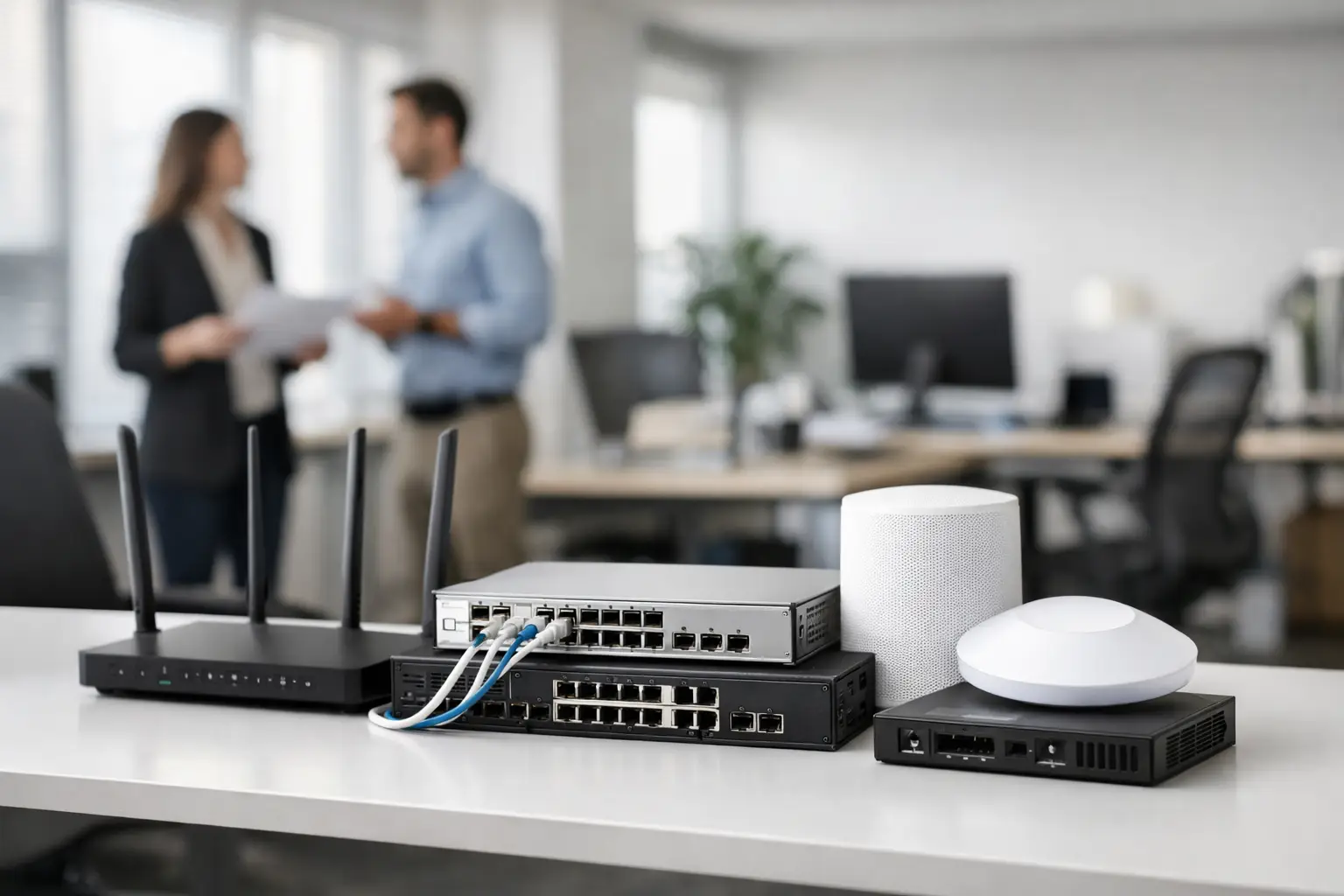
For most professional offices, the core purchase includes five equipment groups: a security gateway or firewall, managed Ethernet switches, wireless access points, structured cabling and passive components, and an uninterruptible power supply. Larger sites may also need a dedicated router, fiber uplinks, network racks, surveillance switching, and centralized management licenses.
The goal is not to buy the highest specification in every category. It is to buy equipment that fits the operational risk of the business and can be supported by the IT team or service provider.
Firewall or security appliance
The firewall sits between the office network and the internet. It controls traffic, supports VPN access for remote staff, separates guest Wi-Fi from internal resources, and can apply security inspection policies. For a business handling customer data, financial records, or remote access, this is not a category to treat as a basic consumer router purchase.
Enterprise and business-focused options from Fortinet, Cisco, Juniper, and Huawei can provide firewalling, VPN, application control, web filtering, and centralized policy management. Selection should be based on enabled security throughput, not only the maximum firewall throughput shown in a product specification. Turning on intrusion prevention, web filtering, and encrypted traffic inspection can materially reduce available performance.
A smaller office may be well served by a single appliance with dual WAN capability. Dual WAN lets the business add a secondary internet connection or cellular backup, which is valuable when payment systems, cloud applications, or customer support cannot wait for an ISP outage.
Managed switches with the right port count
Switches connect wired devices across the office. Choose managed switches rather than unmanaged models when the business needs network segmentation, visibility, quality of service for voice traffic, or controlled guest and camera networks. Managed switches allow VLANs, which keep departments and device types logically separated even when they share the same physical infrastructure.
Port count is the first decision. A 24-port switch may be sufficient for a small office, but only if wireless access points, phones, cameras, printers, and uplinks have been included in the calculation. A 48-port switch can be more cost-effective than stacking multiple small switches when the office has many workstations or a large surveillance deployment.
Power over Ethernet, usually called PoE, is equally important. PoE allows the switch to power access points, IP phones, cameras, and some access-control devices through the network cable. Check both the number of PoE ports and the total PoE power budget. A switch can have 24 PoE-capable ports but not enough total wattage to operate 24 high-power access points or cameras at once.
Cisco, HPE, Huawei, and Juniper offer managed switching options across access-layer and enterprise environments. For procurement, compare supported uplinks, PoE budget, warranty coverage, management method, and available stock alongside port count.
Business Wi-Fi access points
Wireless coverage is often underplanned because teams focus on the number of employees rather than the building layout. Walls, glass partitions, elevators, storage rooms, and meeting rooms affect signal strength. One access point placed near reception rarely provides dependable coverage across an entire office.
Use business access points that support current Wi-Fi standards, multiple SSIDs, VLAN assignment, guest isolation, and centralized management. Wi-Fi 6 is a sensible baseline for many new deployments because it handles higher device density and modern laptops more efficiently. Wi-Fi 6E or newer equipment can be worthwhile where there are many high-performance devices and the local regulatory environment supports the additional spectrum.
Placement matters more than headline speed. Access points should be positioned where people work, not hidden inside cabinets or placed above dense mechanical infrastructure. For larger offices, a basic wireless site survey prevents expensive repositioning after installation.
Cabling, patch panels, and racks
Network reliability depends heavily on passive infrastructure. Quality switches cannot compensate for poorly terminated cable runs, unlabeled ports, or a crowded equipment closet with no airflow. For new office installations, Cat6 cabling is appropriate for most standard workstation and access-point connections. Cat6A may be justified where 10 Gigabit Ethernet is planned over longer runs or where the office expects a long service life for its cabling system.
Install patch panels, faceplates, cable managers, and a suitable wall-mount or floor-standing rack from the beginning. Label every cable at both ends and maintain a simple port map. This saves substantial time when adding a new employee, troubleshooting an outage, or relocating equipment.
Fiber may be necessary between floors, separate buildings, or distant network closets. It is also useful when uplinks require higher bandwidth or electrical isolation. The required transceivers, connector type, and cable specification must match the switch uplink ports.
UPS and environmental protection
A short power interruption can restart a firewall, switch stack, ISP device, and phone system at the same time. An uninterruptible power supply keeps essential networking equipment online long enough to ride through brief outages or shut down safely during extended ones.
Size the UPS using the actual wattage of the firewall, switches, access points, ISP equipment, and any attached servers. Do not assume that a unit with many outlets provides sufficient runtime. For critical network closets, consider a UPS with network management so IT staff can receive alerts about battery health and power events.
Equipment also needs ventilation and physical security. A locked rack or closet protects the network from accidental disconnections, while proper airflow reduces the risk of overheating during high load.
Separate business traffic from day one
A clean network design makes security and troubleshooting easier. At minimum, create separate VLANs for employee devices, guest Wi-Fi, voice systems, cameras or access control, and network management. Guest users should have internet access only. Cameras should not share unrestricted access with employee laptops, and management interfaces should be accessible only to authorized administrators.
This segmentation does not require an overly complex enterprise design. It requires a firewall, managed switches, and access points that support VLAN tagging consistently. Planning it before installation is simpler than trying to separate hundreds of active devices later.
Avoid two common purchasing mistakes
The first mistake is buying consumer equipment for a business environment because the initial price is lower. Consumer routers can be acceptable for a very small temporary setup, but they usually lack the security controls, VPN performance, logging, segmentation, warranty options, and centralized administration expected in a growing organization.
The second mistake is overbuying features that no one will manage. A highly capable security appliance or switch platform still needs correct configuration, monitoring, firmware updates, and license planning. Select a platform that fits the skills of the internal IT team or the managed service partner responsible for it.
For organizations sourcing equipment across multiple categories, GreenCode Tech can help consolidate branded networking, security, cabling, and accessory requirements into a procurement-ready order. Providing a device count, floor plan, internet speed, and expected growth target makes model selection faster and more accurate.
A new office network should leave room for change, but it should not be designed around guesses. Start with the devices people will use, protect the traffic that matters, reserve capacity for growth, and document the installation clearly. That approach gives the office a network that supports work quietly instead of becoming the next operational emergency.