როდის უნდა შეიცვალოს switch? 8 Network Warning Signs
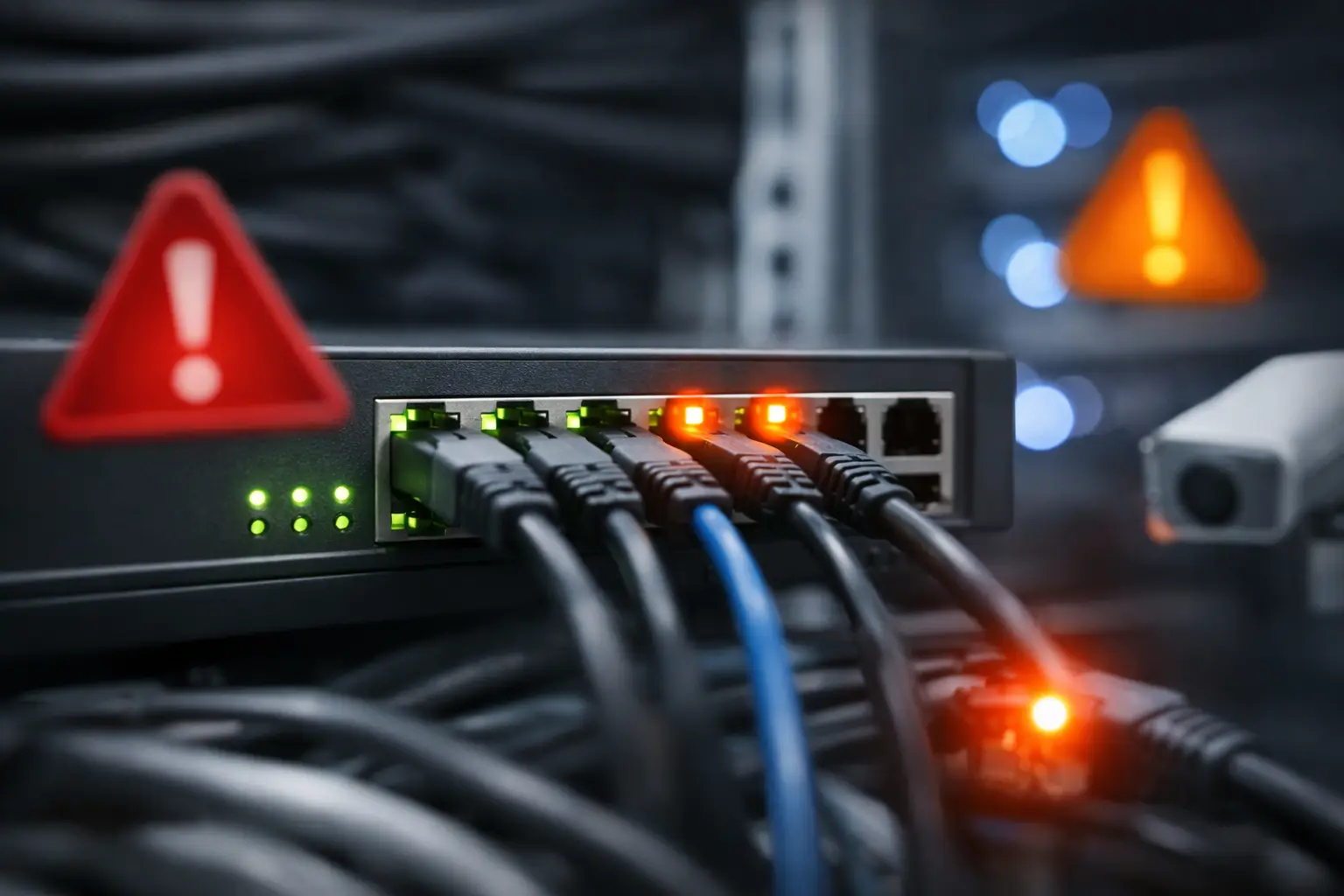
A switch rarely fails at a convenient time. The question, „როდის უნდა შეიცვალოს switch“, usually comes up after users report slow applications, IP phones drop calls, a new server cannot get enough bandwidth, or a failed port affects a critical department. By then, replacement is no longer a routine procurement task. It is an operational risk.
For IT managers and procurement teams, the right time to replace a network switch is not based on age alone. It depends on capacity, security requirements, vendor support status, power needs, physical condition, and the cost of downtime. A five-year-old managed switch may still be appropriate in a low-demand access layer, while a newer unmanaged model can become a bottleneck as soon as the organization adds cameras, Wi-Fi 6 access points, VoIP, or cloud-connected business systems.
When Should a Switch Be Replaced?
A planned switch refresh should begin when the current equipment no longer supports the network your business operates today or the one it expects to operate in the next three to five years. The objective is not simply to buy newer hardware. It is to maintain stable connectivity, predictable performance, and a supportable infrastructure.
The clearest signal is recurring service impact. If users experience intermittent disconnections, packet loss, high latency, or inconsistent power delivery to connected devices, the switch should be investigated immediately. Configuration errors and cabling issues can produce similar symptoms, so replacement should follow a technical assessment. But if diagnostics point to failing ports, unstable power supplies, overheating, or hardware errors in logs, continuing to rely on the device is rarely cost-effective.
A replacement is also justified before failure when the switch has reached end-of-sale or end-of-support status. Once vendor firmware updates, bug fixes, and security patches are no longer available, the equipment creates an avoidable security and compliance exposure. This matters especially for switches connected to firewalls, server networks, surveillance systems, financial applications, and remote-access environments.
8 Signs Your Network Switch Is Due for Refresh
1. Port capacity is consistently exhausted
A switch with no available ports limits daily operations and makes every new device a temporary workaround. Daisy-chaining small switches, using unmanaged equipment in critical areas, or repeatedly disconnecting devices to make space are signs that the access layer needs redesign.
When replacing the unit, do not purchase only the exact port count currently in use. Allow capacity for new staff, printers, access points, cameras, IoT devices, and temporary workstations. In many business environments, selecting a 24-port or 48-port managed switch with reasonable growth headroom is more economical than adding multiple small devices later.
2. Uplink bandwidth has become a bottleneck
Older networks often rely on 1GbE uplinks between access switches, distribution switches, servers, and storage. That may be adequate for basic office traffic, but it becomes restrictive when multiple Wi-Fi access points, high-resolution surveillance cameras, virtualized workloads, or backup operations share the same link.
If users see slow file transfers during peak hours or monitoring shows sustained uplink utilization, consider switches with 10GbE, 25GbE, or higher-speed uplink options. The right choice depends on the existing core architecture and cabling. A switch with SFP+ uplinks may provide a practical upgrade path without requiring a complete network rebuild.
3. Power over Ethernet is insufficient or unreliable
PoE requirements have changed significantly. Modern wireless access points, PTZ cameras, video intercoms, and some collaboration devices can demand more power than older PoE switches were designed to provide. A switch may have enough PoE-capable ports but still lack the total power budget to run every connected device.
Check both standards and total available wattage. PoE, PoE+, and higher-power PoE options serve different device requirements. If cameras reboot, access points reduce performance, or devices do not power on when the switch is fully populated, the issue may be power budget rather than network configuration.
4. The switch cannot support current security policies
Network segmentation is no longer optional for most organizations. A basic or unmanaged switch cannot provide the VLAN separation, access controls, port security, 802.1X authentication, traffic monitoring, and policy enforcement required in many business environments.
A refresh is appropriate when security teams need to isolate guest Wi-Fi, surveillance, voice systems, finance users, production equipment, or management interfaces and the existing switch cannot support the design. Managed switches from established enterprise vendors such as Cisco, Juniper, HPE, Huawei, and Fortinet can offer different management and security capabilities, so model selection should follow the organization’s actual policy requirements.
5. Firmware support has ended
End-of-support hardware may still forward traffic, but it no longer provides a dependable foundation for a business network. Known vulnerabilities can remain unpatched, replacement parts may become difficult to source, and compatibility with newer transceivers, access points, or network management platforms can decline.
Before approving a replacement, document the model number, software version, support status, and installed modules. This gives procurement teams a clear technical justification and helps prevent a rushed purchase after a device fails. For critical locations, a supported spare or a defined replacement standard should be part of the operating plan.
6. Hardware faults are increasing
A single failed port does not always require a full replacement. However, repeated port failures, random reboots, fan alarms, overheating, noisy operation, failed power supplies, or corrupted configurations are different. They indicate that the device is approaching an unreliable stage of its lifecycle.
Environmental conditions matter here. Switches installed in poorly ventilated cabinets, dusty production areas, or locations with unstable power may age faster than identical models in a climate-controlled data room. Replacing the hardware without correcting ventilation, rack organization, grounding, or UPS protection only repeats the problem.
7. Management takes too much manual effort
If IT staff must log into multiple switches individually, maintain inconsistent configurations, or troubleshoot without visibility into port status and traffic patterns, the management model may be the real limitation. This is common when businesses grow through small, unplanned network additions.
A modern managed switch environment can centralize configuration, monitoring, firmware control, and alerts. The benefit is not only convenience. It reduces configuration drift, speeds up troubleshooting, and makes change control easier when staff or locations expand.
8. Business growth has changed the network design
Office relocation, warehouse expansion, branch deployment, new surveillance coverage, and a move toward cloud services can all justify a switch refresh even when the current equipment appears functional. Network hardware should be matched to the new topology, not forced into an old design.
For example, a small office switch may not be suitable for a branch that now needs redundant uplinks, secure VLANs, PoE for access points and cameras, and remote management. In this case, replacement is a capacity and continuity decision, not a repair decision.
How to Choose the Replacement Without Overbuying
The most expensive switch is not always the best procurement choice. Select hardware based on the role it will perform: access, distribution, core, server connectivity, or industrial deployment. Start with port count, required copper and fiber interfaces, PoE standard and budget, uplink speed, switching capacity, redundancy needs, and management features.
For a standard office access layer, a managed Gigabit PoE+ switch with 10GbE uplinks may be enough. A surveillance environment may prioritize a larger PoE budget, long cable runs, and reliable rack power. A data center or high-traffic server segment may require stackable switches, redundant power supplies, high-density fiber ports, and 25GbE or faster connectivity.
Compatibility should be checked before ordering. Confirm supported optics, DAC cables, rack-mount accessories, software licenses, power requirements, and interoperability with the firewall, wireless platform, and monitoring tools already in use. This is particularly relevant when standardizing across multiple locations or mixing new equipment with an installed Cisco, Juniper, HPE, Huawei, or Fortinet environment.
Plan the Change Before the Failure
Replacing a switch should include more than moving cables from one chassis to another. Back up the current configuration, document VLANs and trunk ports, label connections, identify PoE devices, verify maintenance windows, and prepare a rollback approach. Critical switches should be tested in advance where possible, especially if they support internet access, voice, payment systems, or security cameras.
For organizations purchasing at scale, standardizing a small number of approved switch models simplifies support, spare inventory, and future expansion. GreenCode Tech can support procurement teams sourcing enterprise networking hardware, accessories, and related infrastructure equipment for replacement projects or larger refresh cycles.
The best time to replace a switch is while it is still stable enough to let your team plan the work properly. Treat warning signs as a procurement signal, validate the technical requirements, and install the next device before a minor network weakness becomes a business interruption.