Huawei B2B оборудование for Enterprise Procurement
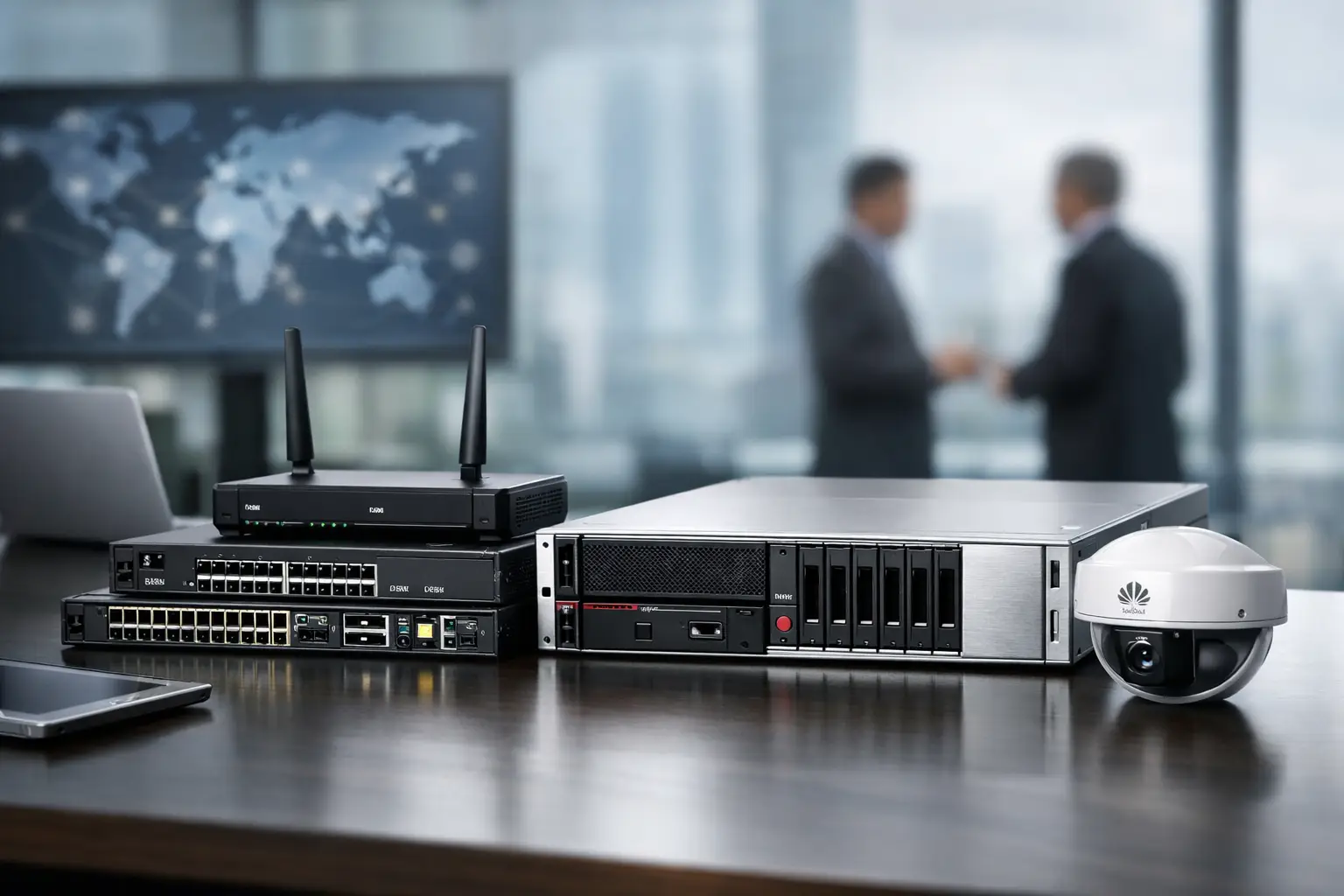
A network refresh can fail before installation begins: a switch arrives with the wrong power supply, optics do not match the existing fiber type, or a security gateway license was not included in the purchase. That is why sourcing Huawei B2B оборудование should be treated as a technical procurement task, not simply a catalog transaction. For business buyers, the right equipment must fit the design, budget, timeline, and support model of the project.
Huawei has a broad enterprise portfolio covering campus networking, data center connectivity, wireless access, routing, security, storage, and optical transport. This breadth can simplify sourcing when an organization needs compatible infrastructure from one manufacturer. It also makes specification discipline essential. Model families can look similar while differing substantially in port speed, uplink capacity, PoE budget, software features, mounting options, and licensing requirements.
Where Huawei B2B equipment fits best
Huawei equipment is often considered for organizations that need to expand a wired or wireless network, replace aging access switches, connect multiple sites, or build a more structured enterprise environment. It can be a practical choice for offices, hotels, education facilities, retail chains, industrial locations, surveillance deployments, and service providers, depending on the selected product line and local project requirements.
For a campus network, the usual starting point is access switching. The buyer needs to define the number of endpoint ports, required PoE or PoE+ power, uplink type, and redundancy expectations. A 24-port switch may appear sufficient on paper, but a growing office can quickly consume ports with wireless access points, IP phones, cameras, printers, access-control devices, and spare desk connections. Planning a reasonable expansion margin is often less expensive than replacing hardware early.
For distribution and core layers, uplink throughput and resiliency matter more than port count alone. A stackable switch design may be appropriate for a medium-sized site, while a modular chassis or high-capacity fixed core can make more sense for a multi-building campus or data-intensive operation. The correct choice depends on traffic patterns, failover objectives, and the skills available to operate the environment.
Wireless projects require the same attention to detail. Access point selection should reflect client density, coverage design, indoor or outdoor placement, radio requirements, and controller or cloud-management architecture. Buying access points based only on a stated Wi-Fi generation can lead to uneven coverage or insufficient capacity in meeting rooms, warehouses, classrooms, and public-facing areas.
Start procurement with a verified bill of materials
A well-prepared bill of materials, often called a BOM, turns a general request into an order that can be checked, quoted, supplied, and deployed with fewer surprises. It should list the exact manufacturer part numbers whenever possible, as well as quantities and required accessories.
For Huawei B2B equipment, a complete BOM should account for the base device, power supplies, fan modules where applicable, stacking cables, rail kits, optical transceivers, DAC or AOC cables, licenses, and support entitlement requirements. These items are not administrative details. They directly affect whether the hardware can be installed and placed into service on schedule.
Optics deserve special attention. A 10GbE SFP+ port, 25GbE SFP28 port, and 100GbE QSFP28 port are not interchangeable. Fiber type and distance also matter. Multimode fiber can be appropriate for short runs inside a building or data room, while single-mode optics are commonly selected for longer links. Procurement teams should confirm connector type, wavelength, distance rating, and compatibility policy before ordering transceivers.
Power planning is equally important for PoE switching. The port count tells only part of the story. A switch may have 48 PoE-capable ports but a power budget that cannot supply maximum wattage to every connected device at the same time. Calculate expected power consumption for access points, cameras, phones, and other powered devices, then allow operational headroom.
What to verify before placing the order
Technical fit should be checked alongside commercial terms. Enterprise hardware purchasing is most efficient when IT, engineering, finance, and procurement share the same specification and acceptance criteria.
Confirm whether the required model is new, replacement stock, or intended for a phased rollout. Check the hardware revision where it is relevant to the deployed environment. If the equipment will join an existing Huawei installation, verify software release compatibility, stack membership rules, controller compatibility, and available configuration templates. A low purchase price has limited value if the new device requires an unplanned migration or cannot operate with the installed platform.
Licensing should be stated clearly in the request. Some capabilities may depend on feature licenses, subscriptions, management platforms, or security services. Ask what is included with the device and what must be procured separately. This is particularly relevant for security appliances, cloud-managed wireless deployments, and advanced routing or analytics functions.
Delivery timing must also be aligned with the project schedule. A single unavailable accessory can delay commissioning even when the main equipment is already on site. For larger orders, it is useful to identify which items are critical-path components and whether partial delivery is acceptable. This helps teams stage installation work without assuming every line item will arrive at the same time.
Choosing between standardization and flexibility
Standardizing on one vendor can reduce operational complexity. Engineering teams can reuse configurations, monitoring approaches, spare parts, and training. Procurement can consolidate demand and simplify approval workflows. For organizations operating several branches, a consistent switch, wireless, and optics strategy can make support faster and inventory easier to manage.
However, standardization should not become a reason to ignore the requirements of a specific site. A small branch may not need the same hardware architecture as a headquarters location. A warehouse may require industrial-grade or outdoor-rated equipment, while a data room may prioritize high-density fiber connectivity and redundant power. The best purchasing decision is based on the workload and environment, not on a one-size-fits-all specification.
There are also situations where a mixed-vendor design is justified. Existing investments, customer mandates, software integrations, or availability can require interoperability with Cisco, Juniper, Fortinet, HPE, or other platforms. In those cases, document interface standards, routing protocols, VLAN design, transceiver requirements, and management responsibilities before deployment. Interoperability is achievable, but it benefits from clear ownership and testing.
Supply support for project and reseller orders
Business buyers often need more than one product page and a checkout confirmation. They need a supplier that can review part numbers, consolidate related hardware, provide commercial documentation, and support cross-border sourcing when required. This is especially useful for integrators, resellers, and organizations coordinating multi-site deployments.
GreenCode Tech supports enterprise-focused procurement across networking, security, surveillance, and related IT hardware categories. For a Huawei request, providing an existing BOM, target quantities, delivery destination, and required deadline enables a more accurate sourcing conversation. If a model number is not finalized, the current environment and technical objective should be shared so that the request can be structured correctly.
For repeat purchases, establish an approved equipment list. Record validated switch models, matching power options, approved optics, preferred patch cables, wireless access points, and essential spares. This makes later branch openings, hardware replacements, and capacity upgrades quicker to process while reducing the risk of ordering incompatible components.
Build the order around deployment, not just price
The lowest unit price is not always the lowest project cost. An incomplete order can create emergency freight expenses, technician downtime, site-access rescheduling, and delayed service activation. On the other hand, buying excessive capacity or premium features that will never be used ties up capital unnecessarily.
A practical approach is to prioritize exact fit for the immediate project, reserve capacity where growth is likely, and include the accessories needed for day-one deployment. Keep critical spares for equipment that supports essential services, particularly power supplies, compatible optics, and commonly used access switches. For less critical components, purchase timing can follow actual demand.
Before final approval, have the technical owner validate the BOM line by line against the network diagram. That short review can prevent the expensive problems that are usually discovered during installation. A carefully specified Huawei order gives your team something more valuable than hardware availability: a clear path from purchase order to working infrastructure.