როგორ ავირჩიოთ Dahua ჩამწერი სისტემისთვის
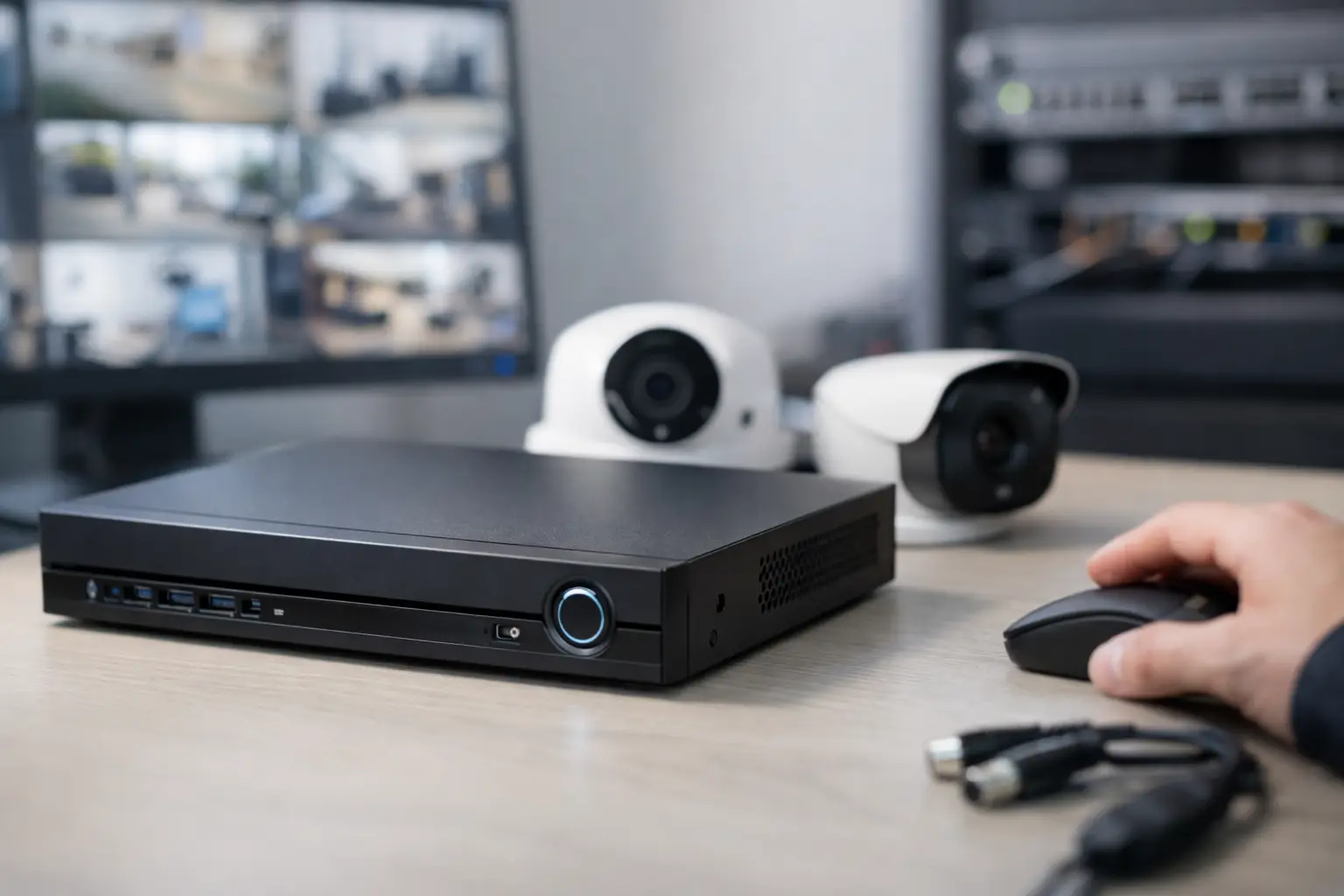
A recorder mismatch usually shows up late – after cameras are installed, storage fills too fast, or a customer asks for footage the system did not keep. That is why the question როგორ ავირჩიოთ Dahua ჩამწერი სისტემისთვის is less about brand preference and more about system fit. The right Dahua recorder has to match camera count, image quality, retention policy, analytics needs, and future expansion.
For business buyers, installers, and IT teams, the practical mistake is choosing only by price or channel count. A 16-channel unit may look sufficient today, but if bitrate, codec support, drive bays, or uplink capacity are wrong, the system becomes expensive to fix later. A recorder should be selected as part of the full surveillance design, not as a standalone box.
როგორ ავირჩიოთ Dahua ჩამწერი სისტემისთვის სწორად
The first decision is simple but critical – are you building around IP cameras or analog cameras. If the deployment uses network cameras, you are looking at an NVR. If it uses coax-based cameras such as HDCVI, you need an XVR or DVR-class recorder. Many buying errors start here, especially when older infrastructure is being upgraded in phases.
In mixed environments, compatibility matters more than the product label. Some sites want to keep existing coax cameras and add a few IP units later. In that case, a hybrid-capable approach can reduce replacement cost. But if the project is a clean new installation with all-IP cameras, an NVR is usually the cleaner long-term choice because it supports better scalability, easier integration, and more modern feature sets.
Start with channel count, then add headroom
Channel count is the obvious filter, but it should never be the final one. If a site needs 10 cameras today, a 16-channel recorder is often a safer procurement decision than an 8-channel unit, because expansions happen fast. One added entrance, one extra warehouse angle, or one compliance request can consume the remaining capacity immediately.
That said, buying too large also has a cost. A significantly oversized recorder can tie up budget that should go to better drives, higher quality cameras, or backup power. For most business projects, a reasonable rule is to leave 20 to 30 percent growth capacity unless the deployment plan is already fixed by design.
Resolution and bitrate change the real requirement
Not all 16-channel recorders are equal. A recorder may support 16 cameras, but the real limitation is often incoming bandwidth and recording throughput. Eight 4MP cameras recording continuously are very different from sixteen 8MP cameras with high frame rates.
This is where procurement teams should look beyond headline specs. Ask how many total Mbps the recorder can accept, record, and playback. If the project includes high-resolution cameras in retail, logistics, parking, or perimeter monitoring, the throughput ceiling matters as much as the number of ports.
H.265 support also affects the sizing decision. Better compression reduces storage pressure, but it does not remove the need to calculate bandwidth realistically. Compression efficiency depends on scene activity, lighting changes, and recording mode. A quiet hallway and a busy loading zone do not produce the same storage load.
Storage is where many Dahua recorder choices go wrong
A recorder that fits the camera list but cannot meet retention requirements is not correctly sized. Before choosing the model, define how many days of footage the site needs to keep, whether recording is continuous or motion-based, and what resolution each camera will use.
A small office may be fine with one drive bay and a moderate retention window. A warehouse, chain store, or multi-site operation may need multiple SATA bays, higher maximum disk capacity, or network-attached archive planning. If footage is part of incident review, compliance, or loss prevention, underestimating storage creates operational risk.
Drive support should also be checked carefully. It is not enough to ask whether a hard drive can be installed. You need to verify the maximum supported capacity per bay and total supported capacity for the recorder. Some buyers assume they can simply add larger drives later, then discover hardware or firmware limitations.
Recording mode affects cost and performance
Continuous recording gives predictable coverage but consumes the most storage. Motion recording saves capacity, but only if detection settings are tuned well. If sensitivity is poor, the system either misses events or records too much useless footage.
For some businesses, a mixed policy works better. Critical cameras such as entrances, registers, and loading points can record continuously, while low-risk areas use event-based recording. This approach often delivers a better cost-to-retention balance than applying one rule across the entire site.
PoE, uplinks, and network design matter more than most buyers expect
If you are choosing an NVR, built-in PoE can simplify installation. It reduces the need for separate switches and makes deployment faster for smaller sites. For a compact office, branch location, or standalone retail unit, a PoE NVR is often the most efficient choice.
For larger or more structured environments, separate switching may be the better design. A dedicated PoE switch architecture gives more flexibility for VLANs, uplink planning, cable runs, and distributed camera placement. It also avoids putting all camera power and connectivity dependency into one chassis.
This is an it-depends decision. Built-in PoE is convenient and cost-effective. Separate switching is more scalable and often easier to manage in larger business networks. If the surveillance system is being integrated into broader IT infrastructure, network design should lead the recorder choice, not follow it.
Check remote access and client requirements early
Many recorder purchases are approved based on recording specs alone, then the end user asks for smooth remote playback, multi-user access, mobile viewing, or centralized management. These requirements should be part of the initial selection.
If multiple managers, security staff, or branch administrators need access, verify how the Dahua recorder handles simultaneous users, remote playback performance, export workflows, and event search. These are operational features, not extras. They affect how useful the system will be after installation.
AI features are valuable, but only if the site will use them
Dahua recorders may include smart analytics such as motion classification, perimeter rules, face-related features, or vehicle and human filtering. These functions can reduce false alerts and improve event search. But they also change the hardware class you need.
If the site only needs straightforward recording and playback, paying extra for advanced analytics may not deliver value. If the recorder is supporting retail loss prevention, warehouse perimeter monitoring, or access event validation, then AI-assisted search and filtering can save real labor time.
The key is to buy for an actual operating scenario. A common mistake is buying an analytics-capable recorder without aligning it to compatible cameras or without a plan for alert handling. Smart features are useful when they are configured, supported, and used consistently.
Power, redundancy, and environment should not be afterthoughts
Recorders are often placed in cramped racks, back offices, or dusty utility areas. That affects reliability. Check operating conditions, ventilation, and power protection as part of the purchase decision.
If footage is business-critical, pair the recorder with proper UPS support and consider what happens during drive failure. Some deployments also need export procedures, secondary backup, or mirrored retention strategy. A recorder is not a full business continuity plan on its own.
For institutional buyers and resellers, standardizing on a recorder family can also simplify maintenance, spare planning, and training. That is often more valuable over time than saving a small amount on one-off model selection.
A practical way to choose the right Dahua recorder
If you need a fast internal checklist for how to choose, define the camera type first, then confirm channel count with expansion room. After that, calculate resolution and bandwidth, size storage around real retention needs, and decide whether built-in PoE fits the network design. Only then should you compare AI functions, remote management, and physical deployment details.
This order matters because it keeps the project grounded in system requirements instead of marketing labels. For buyers sourcing multiple technology categories through one procurement process, that discipline prevents delays, returns, and upgrade costs later.
A Dahua recorder is the right choice when it fits the site technically and operationally, not just when it matches the camera brand. If you make the selection based on workload, retention, and growth, the system stays useful long after the initial install is finished.